


Start with automatic selection
Use the client’s automatic choice as a starting point, then compare the same website before and after connecting.
Check the device, account and route before your first session. Compare the same task on your normal network before changing regions.
Device · Installer source · Network permissions
Desktop and mobile installation differ. Confirm system requirements and the package source before granting network permissions.
This map illustrates regional routing, not live availability. Check the client for current locations and load, and respect each destination service’s rules.

Measure latency and loss on the original network, then compare the same game server through a route. Frame rate and network latency are separate measurements.



Calls, cloud files and dashboards have different needs. Test a non-sensitive page first and record changes. Follow company network and data rules for work accounts.
Read the connection checks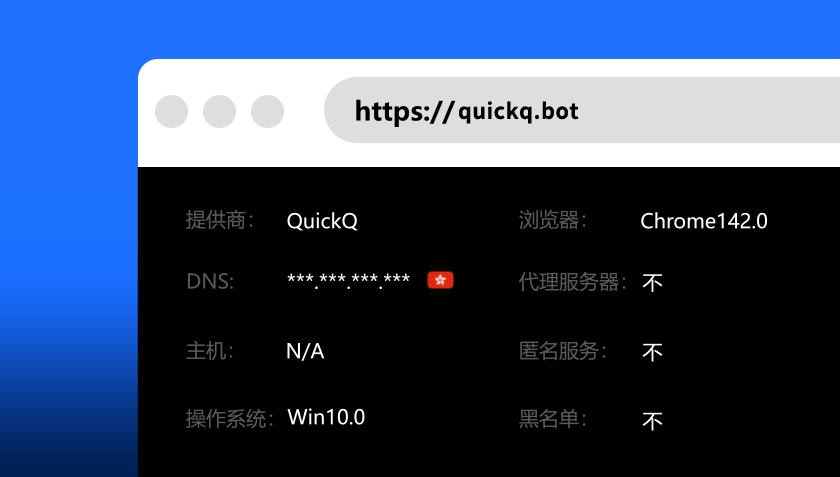
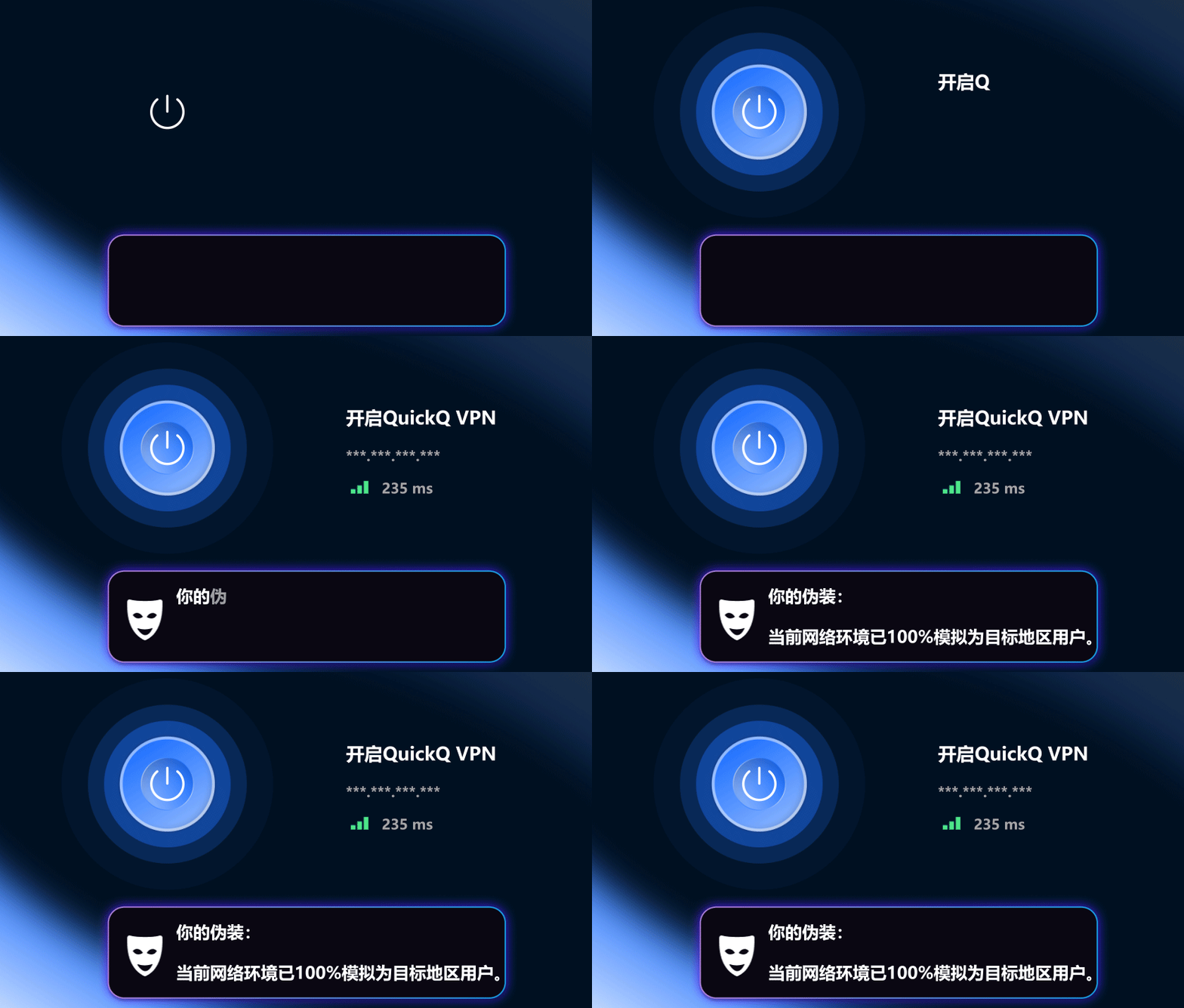
Use the client’s automatic choice as a starting point, then compare the same website before and after connecting.
Check the destination service’s regional rules first. A different exit location does not guarantee access rights.
A connected status is only the first check. Open the sites you need and confirm that they load and work correctly.
Visits to this website and traffic through the app are different data flows. Consult official app privacy documentation.
Record system and client versions, the time of failure and the error text. Hide account, payment and private information.
Open the same website while disconnected to check the original network.
Where permitted, compare Wi-Fi and wired access to isolate local problems.
Switch only one region or route at a time and note the outcome.
Record time, versions and error text. Redact sensitive details before contacting support.
Check whether external routes are permitted for calls and files, then test stability.
Install and verify your account before travelling. Avoid unknown installers on public networks.
Plan around devices connected together, not merely the number signed in.
Payment logos are examples, not availability promises for every region. Confirm currency, amount, renewal and refund conditions at official checkout.


Check the connection status, then open a website you normally use. If only one destination fails, check its restrictions before reinstalling the client.
No. Wi-Fi signal, local congestion, exit load and destination servers all matter. Compare under similar conditions rather than relying on a single speed test.
Count the devices that need to be connected together and check your plan allowance. Disconnect unused devices and retain secure account verification when replacing one.
Installers can request significant system permissions. Verify the publisher, signature and device type. Do not dismiss warnings or use modified packages from strangers.
Read official QuickQ checkout and service documents. Verify amount, currency, renewal settings and refund eligibility before paying, and keep your order receipt.
Share system and client versions, failure time, selected region and error text. Do not send passwords, verification codes, full payment details or private browsing content.